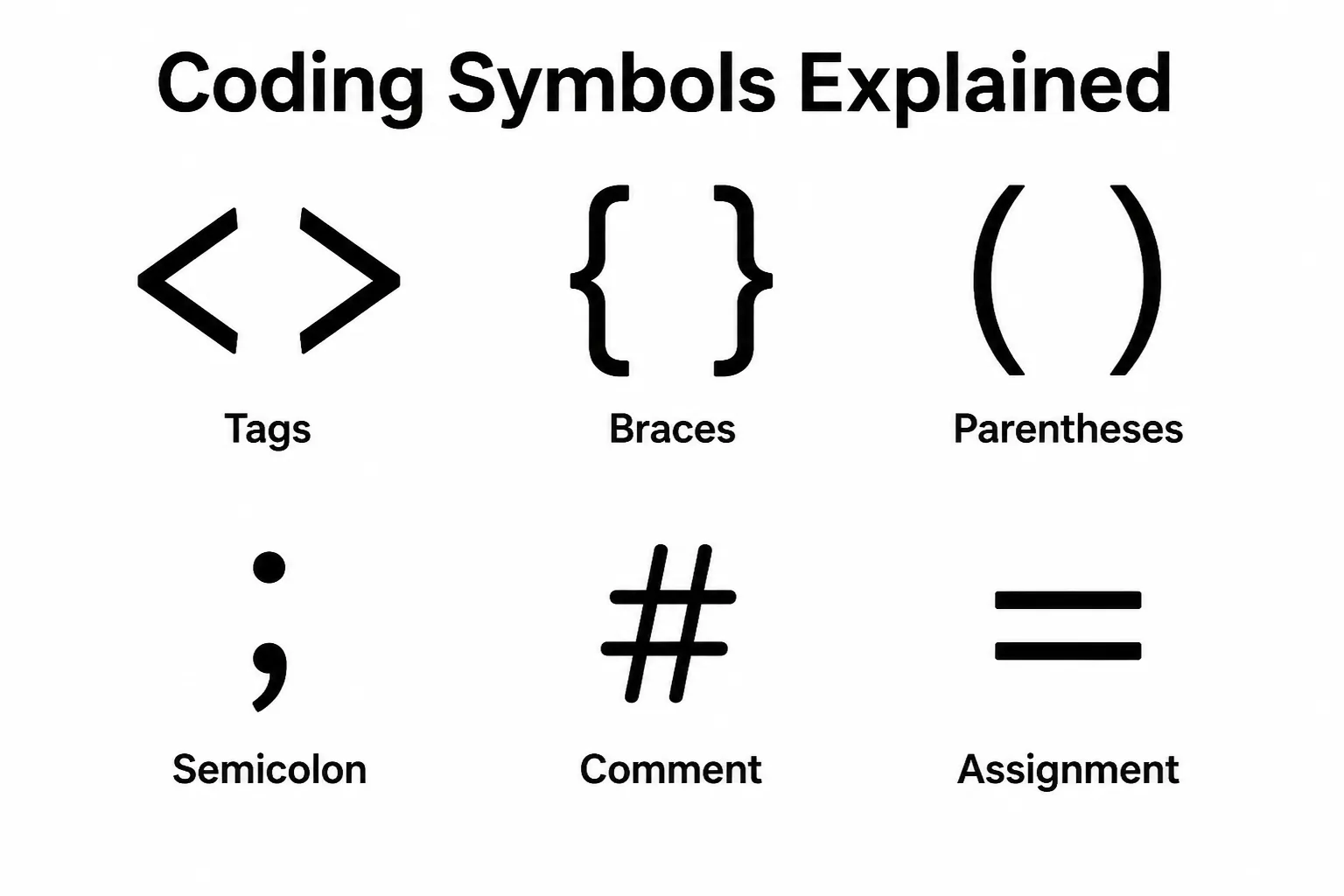
Have you ever looked at a string of coding symbols and wondered what each one actually does?
Coding Symbols Explained is your guide to understanding the characters that make programming languages work, from simple punctuation marks to operators and special symbols with specific functions.
Whether you’re a beginner learning to code or someone brushing up on programming basics, knowing what these symbols mean can make reading and writing code far less confusing.
In this article, you’ll discover the purpose of the most common coding symbols, how they’re used across different programming languages, and why they matter in real-world development.
By the end, you’ll have a clearer understanding of the building blocks that help programmers communicate precise instructions to computers.
Quick Answer: What Symbol Represents Coding?
There isn’t a single universal symbol for coding, but the angle brackets (< >) are the most recognized coding symbols worldwide. They appear in HTML, XML, and many programming examples, making them a common icon for software development and programming.
Other well-known coding symbols include the curly braces ({ }), slash (/), hash (#), semicolon (;), and underscore (_), each serving a different purpose in programming.
What Are Coding Symbols?
Coding symbols are special characters used in programming languages to tell a computer what to do. Unlike regular letters and numbers, these symbols create structure, perform calculations, compare values, organize information, and control how programs run.
Different programming languages use symbols in different ways. For example, HTML relies heavily on angle brackets, while Python uses colons and indentation. JavaScript, C++, Java, and PHP often depend on braces, parentheses, and semicolons.
Although many coding symbols have technical meanings, they have also become recognizable icons in technology culture. Today, they are commonly seen in programmer tattoos, software company logos, gaming merchandise, and developer communities.
Coding Symbols Comparison Table
| Symbol | Main Meaning | Best Use |
| < > | Tags or comparison | Coding logos, developer icons |
| { } | Code blocks | Programming tattoos, branding |
| ( ) | Functions and grouping | Educational graphics |
| [ ] | Lists and arrays | Learning materials |
| # | Comments or identifiers | Tech branding |
| / | Paths and division | Developer artwork |
| \ | Escape character | Programming illustrations |
| = | Assignment | Coding education |
| == | Comparison | Programming tutorials |
| : | Definitions and labels | Python design |
| ; | Statement separator | Developer merchandise |
| _ | Naming separator | Modern coding logos |
Top Coding Symbols and Their Meanings
Angle Brackets (< >): The Universal Coding Symbol
Angle brackets are perhaps the most recognizable coding symbols. They surround HTML tags and are often used to represent coding in logos, websites, and developer communities.
Because they instantly remind people of programming, many software companies use them in branding. Developers also choose them for minimalist tattoos that celebrate their passion for coding.
Best for: Logos, coding tattoos, programming websites, developer stickers, software branding.
Curly Braces ({ }): Organizing Code Blocks
Curly braces group sections of code together in languages like JavaScript, Java, C++, and C#. They help define functions, loops, and conditions.
Outside programming, braces have become a visual symbol of software development itself. Their clean appearance makes them popular in minimalist designs.
Best for: Programmer tattoos, software logos, coding artwork, developer merchandise, technology branding.
Parentheses (()): Functions and Organization
Parentheses organize expressions, define function parameters, and control the order of operations. Nearly every programming language uses them.
Because they symbolize structure and precision, parentheses are sometimes included in programming-themed artwork and educational graphics.
Best for: Educational graphics, coding posters, programming presentations, notebook designs.
Square Brackets ([]): Arrays and Collections
Square brackets usually store lists, arrays, or indexes. they are especially common in Python, JavaScript, and many modern programming languages.
Their neat appearance also makes them useful in visual designs that emphasize organization and data management.
Best for: Learning materials, coding infographics, programming notebooks, educational logos.
Hash Symbol (#): Comments and Special Commands
The hash symbol has different meanings depending on the language. In Python, it starts comments. In C#, it forms part of the language name. On social media, it became famous as the hashtag.
Its versatility makes it one of the most recognizable symbols in both programming and digital culture.
Best for: Tech branding, developer shirts, coding communities, software events.
Forward Slash (/): Navigation and Division
The forward slash appears in file paths, URLs, comments, and mathematical operations. Web developers encounter it daily when creating websites.
Because it suggests movement and direction, designers often use it in modern technology logos.
Best for: Web development graphics, software branding, coding illustrations, digital design.
Backslash (\): Escape Character
The backslash tells programming languages to treat certain characters differently. It’s especially important in Windows file paths and escape sequences.
Although less common in branding, experienced programmers immediately recognize its importance.
Best for: Developer-themed art, coding humor, technical presentations.
Equal Sign (=): Assignment
In programming, the equal sign usually assigns a value rather than showing mathematical equality. This simple symbol is one of the first things new programmers learn.
It represents logic, precision, and problem-solving.
Best for: Educational materials, coding tutorials, beginner programming graphics.
Double Equal (==): Comparison
Unlike a single equal sign, the double equal operator compares two values to determine whether they are the same.
It teaches one of programming’s most important concepts: checking conditions before making decisions.
Best for: Programming education, coding memes, developer presentations.
Colon (:): Definitions and Structure
Python programmers see the colon constantly because it introduces loops, functions, classes, and conditional statements.
Its clean appearance makes it surprisingly popular in minimalist coding artwork.
Best for: Python-themed designs, coding classes, educational posters.
Semicolon (;): Statement Separator
Many programming languages require semicolons to mark the end of a statement. Forgetting one can produce frustrating errors.
Because of its legendary status among programmers, the semicolon has become an inside joke and a recognizable coding icon.
Best for: Programmer gifts, coding tattoos, software conference merchandise.
Underscore (_): Connecting Names
The underscore separates words in variable names, file names, and programming identifiers. It improves readability without using spaces.
Its simplicity makes it an excellent choice for clean, modern technology branding.
Best for: Modern logos, software products, coding portfolios, developer branding.
Best Coding Symbols for Tattoos
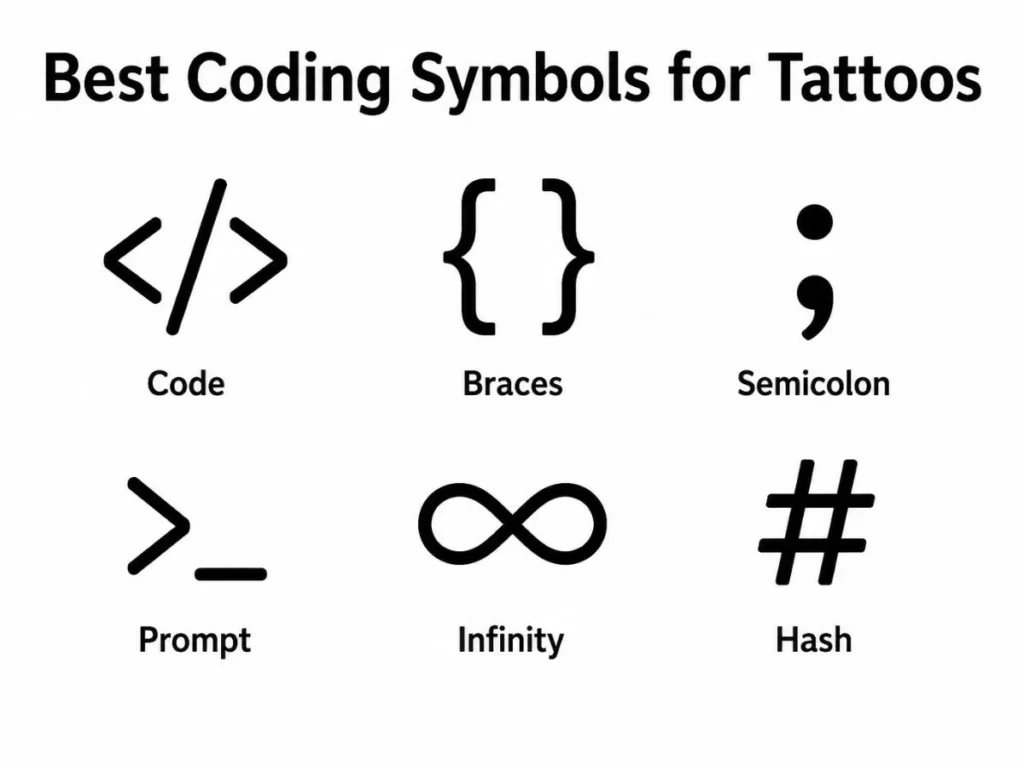
Many programmers choose tattoos that reflect their love of technology without being too flashy. The best coding tattoos are usually simple, timeless, and instantly recognizable to other developers.
Popular coding tattoo ideas include:
- < /> angle brackets
- { } curly braces
- ; semicolon
- # hash symbol
- () parentheses
- == equality operator
- Binary code
- Minimal code snippets
Small coding tattoos work well on the wrist, forearm, ankle, or shoulder. Matching tattoos using angle brackets or braces are also popular among programming friends or couples who met through technology.
Best Coding Symbols for Logos and Design
Coding symbols are widely used in technology branding because they are clean, modern, and instantly associated with software development.
For logos and creative designs, choose symbols that are:
- Simple and easy to recognize
- Readable at small sizes
- Meaningful to your audience
- Easy to combine with modern typography
- Suitable across websites, apps, and social media
Angle brackets and curly braces remain the most popular choices because they immediately communicate programming and software development.
Best Coding Symbols for Personal, Educational, and Creative Meaning
While coding symbols don’t carry spiritual or religious meanings, they often hold deep personal significance for programmers.
For example:
- Angle brackets can symbolize creativity and building something new.
- Curly braces may represent organization and structure.
- Equal signs can remind someone of logic and fairness.
- Semicolons may symbolize persistence and completing important work.
- Underscores suggest connection without unnecessary complexity.
Teachers, software engineers, students, and technology enthusiasts often use these symbols in personal projects, classroom materials, desktop wallpapers, and office decorations.
Before Using Cultural or Sacred Symbols
Most coding symbols are technical rather than cultural. However, some symbols used alongside programming designs—such as ancient runes, religious icons, or sacred geometric patterns—may have important cultural or spiritual meanings.
Before including these symbols in tattoos, products, logos, or commercial artwork:
- Learn their original meaning.
- Respect their cultural or religious background.
- Avoid using sacred symbols only for decoration.
- Understand that meanings may differ between traditions.
Thoughtful use shows respect while helping your design communicate clearly.
How to Choose the Right Symbol for Coding
The best coding symbol depends on your purpose.
If you are creating a tattoo, choose something timeless like < /> or { }. For a software logo, pick a simple symbol that’s easy to recognize at any size. If you are designing educational content, use symbols students will encounter frequently while learning programming.
Also consider:
- Personal meaning
- Programming language preference
- Visual simplicity
- Readability
- Long-term relevance
- Professional appearance
Choosing a familiar symbol often creates the strongest connection with other programmers.
FAQs
What is the best symbol for coding?
The angle brackets (< >) are generally considered the best symbol for coding. they are widely associated with programming because of their use in HTML and their popularity in software logos and developer communities.
What symbol represents programming?
Curly braces ({ }) and angle brackets (< >) are the two most recognized programming symbols. Together, they instantly communicate software development, coding, and technology.
What is a good coding tattoo?
Simple coding tattoos such as < />, { }, ;, or a favorite code snippet are popular choices. They look clean, age well, and hold personal meaning for programmers.
Why do programmers use so many symbols?
Programming languages rely on symbols to perform operations, organize information, compare values, and control how software behaves. Symbols make code shorter, more precise, and easier for computers to understand.
What is the simplest coding symbol?
The equal sign (=), parentheses (()), and angle brackets (< >) are among the simplest coding symbols. they are easy to recognize and appear in many programming languages.
Do coding symbols have spiritual meanings?
Generally, no. Coding symbols are technical tools rather than religious or spiritual icons. However, individual programmers sometimes assign personal meaning to them based on their coding journey or career.
Which coding symbol is best for a logo?
Angle brackets, curly braces, and the forward slash are excellent logo choices because they are clean, memorable, and immediately connected with programming and software development.
Are coding symbols the same in every programming language?
No. Many symbols appear across multiple languages, but their exact purpose can vary. For example, the hash symbol starts comments in Python but serves different functions in other programming languages.
Final Thoughts
Learning coding symbols is one of the first steps toward understanding programming.
These simple characters make software possible, helping developers organize code, perform calculations, and build everything from websites to mobile apps.
Whether you are learning to code, choosing a meaningful tattoo, creating a technology logo, or simply exploring programmer culture, understanding these symbols gives you a stronger appreciation for the language of computers.
Start with the basics, keep practicing, and you shall soon recognize these symbols everywhere in the world of technology.

Ethan Caldwell is an experienced American author at BlogShubb. He specializes in technology, online platforms, and digital trends. His well-researched articles make complex topics easy to understand and provide readers with clear, practical, and reliable information.
 Dylan Prescott